
Cadence · Case Study Materials
This document is prepared as a private design case study and is not for public distribution. Enter the access code provided in the cover communication to continue.
Building Cadence isn’t a scheduling problem. It's a human experience problem.
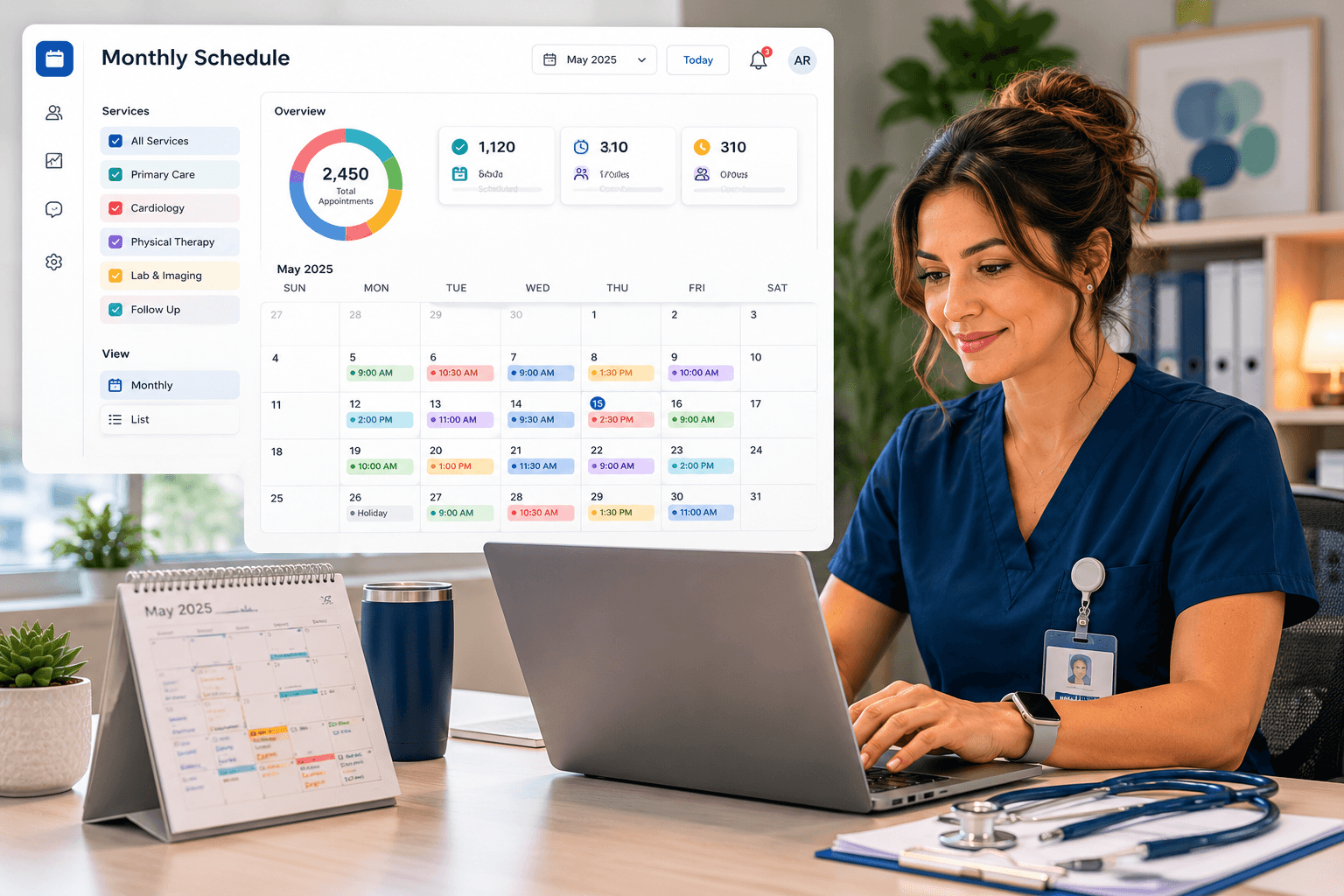
The team that built Cadence didn’t approach this as a technology integration. We approached it as a design problem rooted in observation, empathy, and iteration.
The stack matters. The architecture matters. Neither is the lead. The lead is the care coordinator reallocating appointments as clinical staffing shifts hour-by-hour. The family trying to book a single visit for an elderly parent. The patient with limited English on mobile and a spotty connection.
Cadence rests on a discipline we practiced across the full MVP: structured Human-Centered Design as a continuous operating posture, not a phase. Empathize, define, ideate, prototype, test — every sprint.
What follows is how we did it, what it produced, and what we carry forward.
Five disciplines. One continuous loop.
HCD is not a sequence we executed once. It is the operating model that shaped every sprint. Below: how each discipline lived in Cadence — and where we are heaviest.
Empathize
Empathy is where the lead designer earns the trust of the team and the system. Before any pixel was set, we needed to understand a day in the life of the people Cadence would serve — structured interviews with care coordinators and front-desk schedulers across multiple clinics, scripted to surface workflow, friction, and the gap between proposed designs and lived reality.
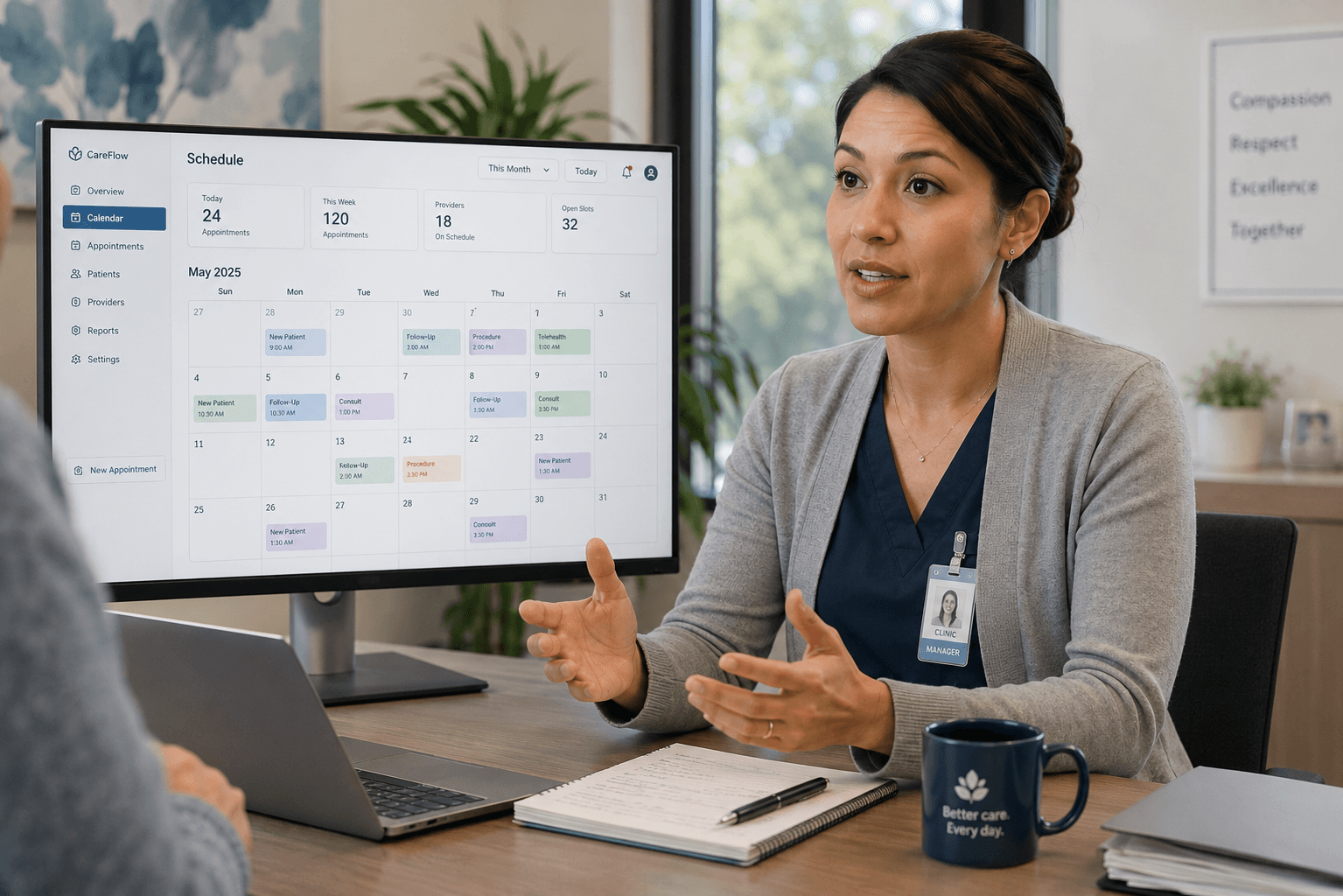
We interviewed coordinators managing thousands of appointments per day and clinic managers responsible for capacity across primary care, labs, imaging, specialist visits, and urgent slots. We listened for what they worked around, what they had learned to live with, and what nobody had ever asked them about.
“Reallocating needs to be really easy.” “A family might book one visit, or might book five.” “Wait times are 2–4 weeks for some specialties. Months for others.” Every quote reshaped a screen.
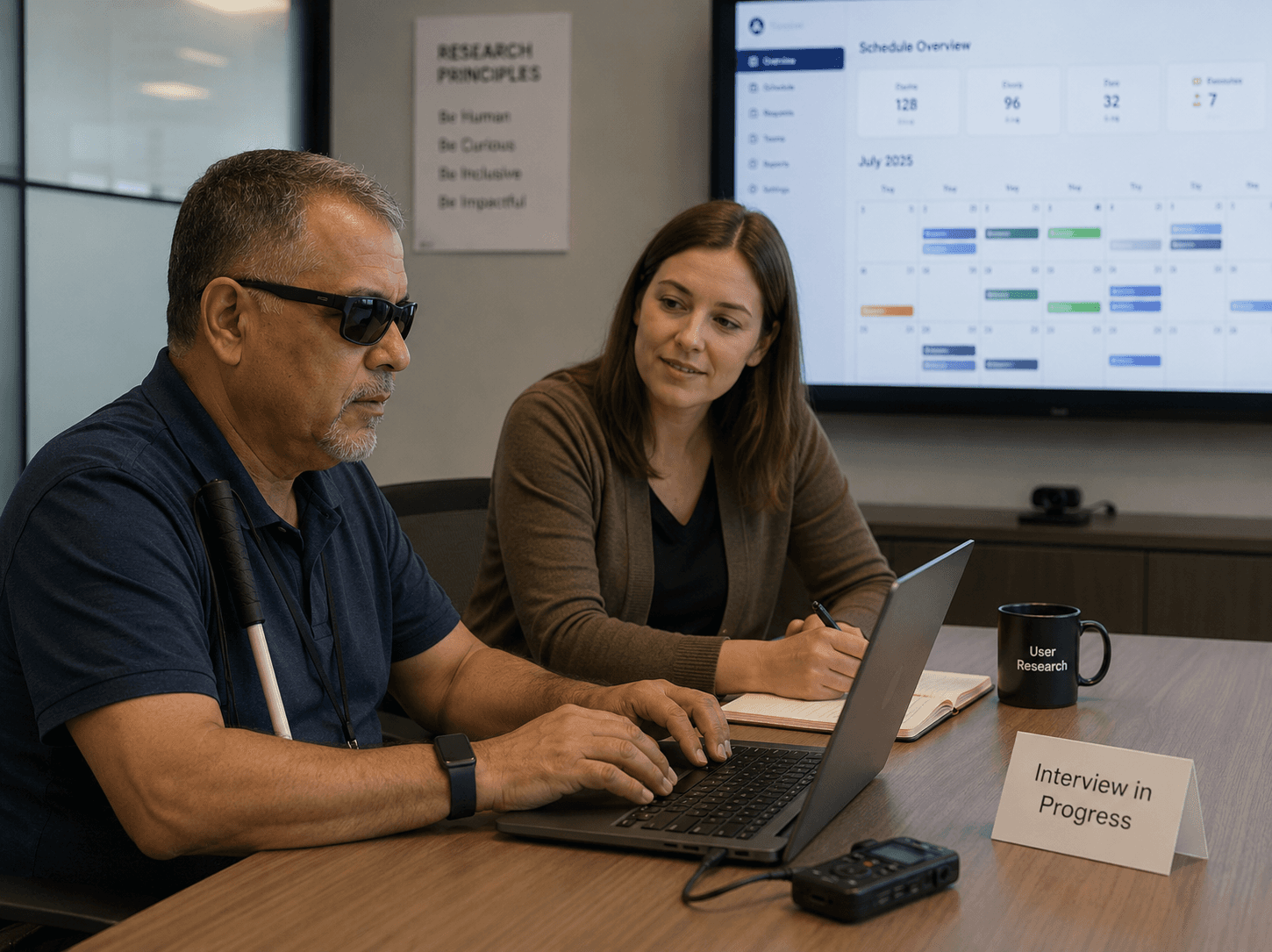
Accessibility-specific interviews ran as a separate stream — real conversations with patients who navigate forms and calendars differently than we do. Those sessions moved scores by 80%+ across disability groups and reshaped every interactive component.
Define
Research without synthesis is anecdote. Our job was to turn raw signal into problem statements precise enough to design against.
- “Reallocation is a daily operation, not a rare event.”Coordinators move appointments to match clinical staffing every day. So allocation couldn’t be buried in admin — it had to be a first-class action on the calendar itself.
- “Visit types are not equal.”Primary care, labs, imaging, specialist consults, and urgent slots each behave differently. The platform couldn’t flatten them into a single appointment model.
- “Wait times communicate trust.”Next-available and average wait were the most-glanced numbers in every interview. They lead the dashboard.
Each definition became a constraint on the design — and a guardrail against scope creep.
Ideate
With decades of healthcare scheduling experience in the team, ideation rarely started from zero — but we treated hypotheses as hypotheses, not conclusions. Every concept was sketched, shown, and pressure-tested against the people who’d use it.
The patient reminder template builder is a representative example. Coordinators were spending significant time copy-pasting outbound messages. The first concept was stored templates. After interviews, we redesigned it as a configurable builder with dynamic fields — because what coordinators needed was personalization at scale, not a paste buffer.
Ideation succeeds when the team is willing to throw away its first answer. We did that, repeatedly, across the MVP.
Prototype
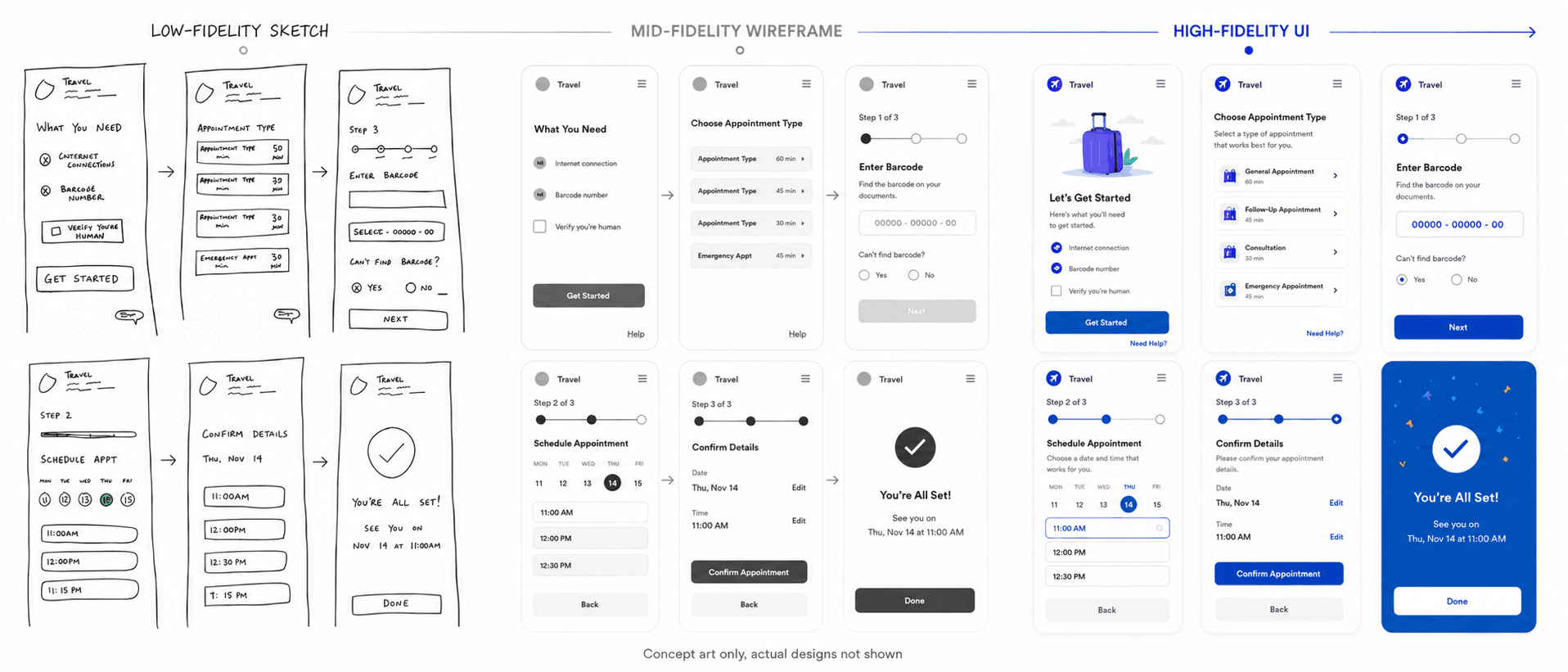
Prototyping ran on two tracks. Low-fidelity Figma flows for early validation — fast to iterate, cheap to throw away. High-fidelity interactive prototypes for stakeholder review and pre-development sign-off, with realistic data, edge cases, and accessibility annotations.
Each screen typically went through three to five iterations before development. The monthly calendar, the daily timeline, the urgent-visit request review went through more. Iteration was the work.
Prototyping was also where accessibility moved from afterthought to default — contrast, focus order, keyboard navigation, and screen reader pathways resolved in Figma, not patched in code after audit.
Test
Test is not the last phase of HCD. It is the bridge back to empathize. Every release produced new signal — and that signal fed the next research session, the next prototype.
Testing took several forms: structured usability sessions with the same coordinators we interviewed, WCAG validation, moderated reviews with patients with disabilities, and weekly product owner sessions that pressure-tested every assumption.
Test is what kept HCD from becoming a one-time activity. It is what we scale as the platform grows.
Monday morning. Regional clinic network. Three thousand appointments on the calendar.
A composite scenario built from interview data, illustrating how HCD-led design decisions translate into a scheduling manager’s experience under real pressure.
The Pressure
The scheduling manager opens Cadence to find 412 no-shows from the prior week, an imaging backlog stretching three weeks, and two clinicians called out sick. Capacity must be rebalanced before the clinic opens at nine.
How HCD Shaped the Screen
The dashboard surfaces the no-show rate, next-available date, and average wait time as the three highest-priority widgets. Research showed these were the first numbers coordinators checked every morning. They lead the page.
The Pressure
An urgent appointment request comes in from a patient with worsening symptoms who needs to be seen within 48 hours. The coordinator needs to review the referral, confirm insurance, and either approve or defer — fast.
How HCD Shaped the Screen
The urgent-visit review interface puts every piece of context — patient note, symptom window, referral status, prior visit history — in a single decision frame. Approve and Defer are equal-weight buttons. Research showed coordinators rejected workflows that pre-suggested an outcome.
The Pressure
A family arrives expecting a single appointment slot for several members. The system needs to accommodate variable group sizes for batched visits — anywhere from one to a dozen — without forcing the coordinator to enter each one as a separate appointment.
How HCD Shaped the Screen
Batched family appointments support variable group sizing because interviews surfaced this as a daily reality, not an edge case. The calendar reflects allocated time per group, not per individual.
The Pressure
A patient with a screen reader is completing the public-facing scheduling flow on a mobile device. The flow involves seven steps, OTP verification, location selection, and a confirmation summary.
How HCD Shaped the Screen
Every step is fully WCAG-compliant. Focus order, semantic structure, and screen reader pathways were designed in Figma, validated with patients with disabilities, and tested before release — not retrofitted after audit.
The Pressure
End of day. The manager needs to generate a no-show report, export tomorrow’s patient list, and create urgent capacity for the morning. Three actions, three previous systems, three workarounds.
How HCD Shaped the Screen
Quick Actions live at the top of the dashboard. The five things coordinators do most often are one click away. Research showed staff were copy-pasting between systems just to complete routine end-of-day work. Cadence collapsed that into a single surface.
Compliance is the floor. Inclusion is the ceiling.
Most platforms treat WCAG as an audit. Cadence treated it as a design constraint from the first sketch. The difference shows in the numbers — and in the experiences of the patients who validated them.
Accessibility-specific user research was a structured stream — not a checkbox at the end of QA. Moderated interviews with patients with disabilities surfaced how they navigated forms, calendars, and urgent-visit flows.
Those conversations reshaped foundational elements: focus pathways through the monthly calendar, screen reader narration of the daily timeline, error recovery in OTP and location selection, and language clarity throughout the patient journey.
For Phase 2, we expand. Cognitive accessibility — limited literacy, non-native language, the stress of a worried patient — is the next horizon. The HCD infrastructure we built into the MVP is what makes that expansion possible without rebuilding.
The discipline scales. The work deepens.
Growth is not maintenance. As Cadence moves from MVP to full rollout across clinics, our HCD posture deepens — moving from interviews into observation, from compliance into inclusion, from staff-side into the whole patient journey.
From Interviews to Field Observation
MVP research was largely remote-interview. Phase 2 expands into structured contextual inquiry — coordinators using Cadence in production, at the front desk, under real pressure. What people say they do and what they actually do are often different stories.
From Staff-Side to End-to-End
Phase 1 prioritized coordinator workflows and the patient journey because the front desk drives throughput. Phase 2 brings the same rigor to more complex, multi-clinic operations.
From WCAG to Cognitive Accessibility
WCAG is the floor. Phase 2 expands research into cognitive load, language clarity for non-native speakers, low-literacy navigation, and the experience of patients in distress.
From Sprint Research to Continuous Feedback
Build structured feedback into the product itself — lightweight pulse surveys, opt-in interview pipelines, and behavioral analytics calibrated to surface friction before it becomes a ticket.
Extensive Asynchronous Research
As Cadence scales across clinics, we will build on key insights gained from patient surveys, strategic analytics, and error logging.
From HCD Activity to HCD Operating Model
Make HCD measurable. Build research velocity into the same dashboards we use to track sprint velocity. Formalize HCD as a continuous operating model with cadence, ownership, and reporting visible to stakeholders.

Ask the designer.
I’m an AI built on James’s experience leading UI/UX on Cadence. Ask anything about the HCD process, specific design decisions, or what the next phase looks like — or pick a question below.
Experimental AI trained on my HCD process. General examples from Cadence user interviews and design check-ins were used for context on this page only. No specific project details were included.
The takeaway isn’t the calendar. It’s the people it was built for.
Cadence began as a calendar problem and became a study in how people actually move through a clinic. Human-Centered Design kept the coordinator, the patient, and the family at the center of every decision — empathize, define, ideate, prototype, test, repeated until the interface got out of their way. That’s the discipline I bring to every project.